Install Zecboat on Debian
Building the desktop wallet from source, and the setup wizard you meet on first run.
This is beta software
Zecboat has not had an independent security audit. It has no automatic updates, and it holds real ZEC on Zcash mainnet.
Use amounts you can afford to lose, and read the backup section before you put funds in it.
Zecboat is a Tauri application: a Rust core and a Svelte interface. Expect 30 to 60 minutes, most of it waiting for Rust to compile.
You do not have to build it. A signed .deb is on the download page and installs in about a minute. Build from source when you want to verify that the binary matches this code — which a signature cannot tell you.
1. System dependencies
Two of these matter more than they look. libpcsclite-dev is a smartcard library that Zecboat's dependency tree needs — without it the build fails before it reaches Zecboat's own code, and the error message never mentions smartcards. libwebkit2gtk-4.1-dev is the application shell; version 4.0 is a different, incompatible package and will not work.
sudo apt update
sudo apt install -y \
    build-essential \
    pkg-config \
    curl \
    git \
    libwebkit2gtk-4.1-dev \
    libjavascriptcoregtk-4.1-dev \
    libxdo-dev \
    libssl-dev \
    libayatana-appindicator3-dev \
    librsvg2-dev \
    libpcsclite-dev
2. Rust
Install from rustup, not from apt — the packaged version is usually too old.
curl --proto '=https' --tlsv1.2 -sSf https://sh.rustup.rs | sh
source $HOME/.cargo/env

rustc --version    # 1.96 or newer
3. Node.js
Node 20 or newer, for building the interface. NVM keeps it out of your system packages.
curl -o- https://raw.githubusercontent.com/nvm-sh/nvm/v0.39.7/install.sh | bash
export NVM_DIR="$HOME/.nvm"
[ -s "$NVM_DIR/nvm.sh" ] && \. "$NVM_DIR/nvm.sh"

nvm install --lts
nvm use --lts

node --version     # v20 or newer
4. Get the source
git clone https://zecboat.com/zecboat.git
cd zecboat
5. Proving parameters
Zcash needs these files to construct shielded transactions. Do not skip this step. Without them the wallet installs, syncs and displays your balance perfectly — and then fails the moment you try to send anything.
mkdir -p ~/.zcash-params
cd ~/.zcash-params
curl -O https://download.z.cash/downloads/sapling-spend.params
curl -O https://download.z.cash/downloads/sapling-output.params

ls -l    # sapling-spend ~48 MB, sapling-output ~3.6 MB
If you add these while the wallet is already running, restart it. The path is resolved once at startup, so a running instance keeps failing even after the files appear.
6. Build
One command does both halves. Cargo will compile several hundred crates on the first run — expect 30 to 60 minutes, almost all of it here.
cd zecboat-ui
npm ci
npx tauri build --no-bundle
Use npx tauri build, not cargo build. Cargo compiles the Rust but never embeds the web interface — only the Tauri CLI does that. A cargo-only build produces a binary that starts to a blank white window with no error message, which looks like a broken application and is not one.
Check the frontend actually made it in: strings -a src-tauri/target/release/zecboat-ui | grep -c _app/immutable — the answer must be greater than zero.
The binary lands at zecboat-ui/src-tauri/target/release/zecboat-ui. Use --bundles deb instead of --no-bundle to also produce a .deb under src-tauri/target/release/bundle/.
7. First run
Zecboat needs a Zcash node to sync from. Set these before launching:
export ZECBOAT_PROVIDER=https://zec.rocks:443
export ZECBOAT_REGISTRY=https://zecboat.com   # artwork images only; every image is hash-checked. Collections are checked on chain

./zecboat-ui/src-tauri/target/release/zecboat-ui
The node you choose matters. Zecboat holds funds in the Ironwood (NU6.3) pool. A lightwalletd that does not serve Ironwood will show you a zero balance for funds that are really there — which looks exactly like lost funds, and isn't. zec.rocks serves Ironwood and was verified on 2026-08-26.
Prefer your own node? Run zebrad with zainod and point ZECBOAT_PROVIDER at it instead. That is the private option, and it is the only one where nobody else sees which blocks you ask for.
8. The setup wizard
New wallet: four screens, about two minutes. The last two decide whether you can ever recover your funds. Restore: the wallet asks for the node first, then the recovery phrase.
Welcome
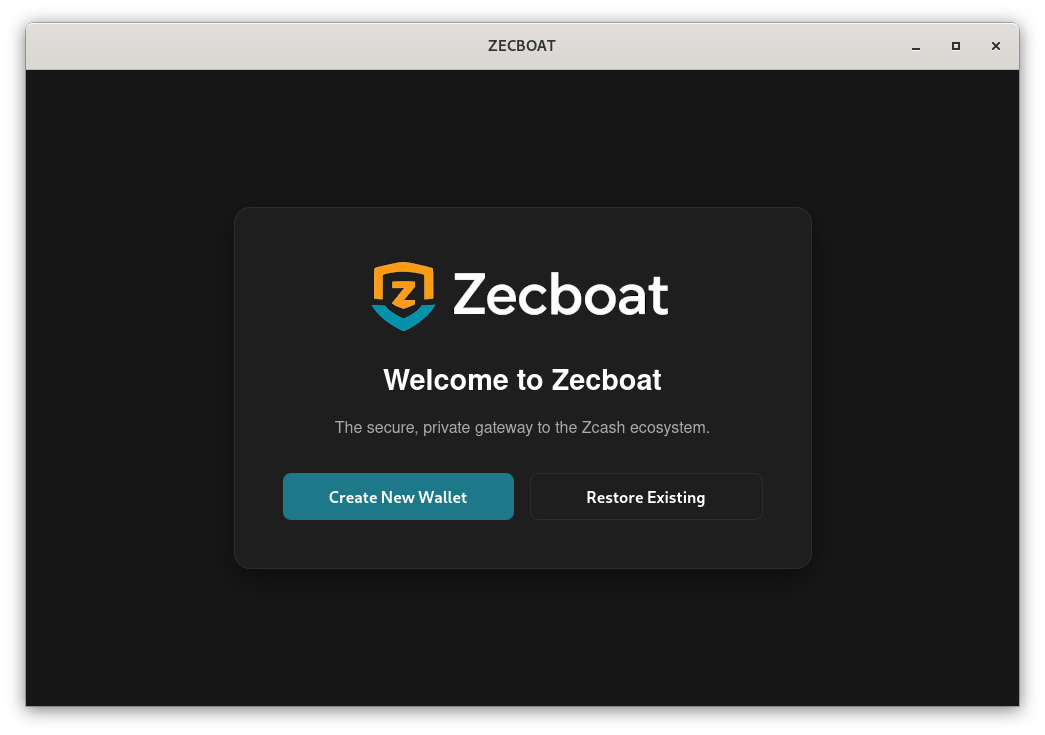
Create New Wallet generates a fresh recovery phrase. Restore Existing rebuilds a wallet from a phrase you already have — use it if you are moving machines or have forgotten a password.
Network connection
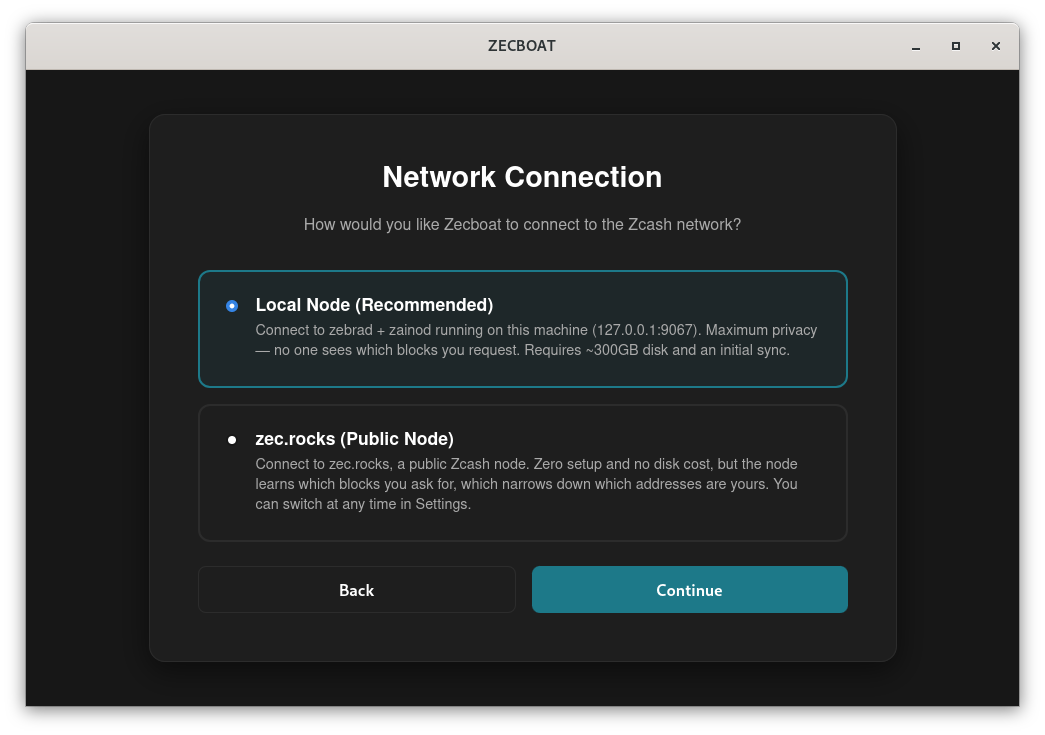
A local node is the private option — nobody learns which blocks you ask for — but it needs roughly 300 GB and a full sync first. If you have not already set one up, choose zec.rocks. Since 0.7.1 the screen also offers My own node, elsewhere, for a node on another machine. You can switch in Settings at any time. Settings always shows the node actually in use.
Password
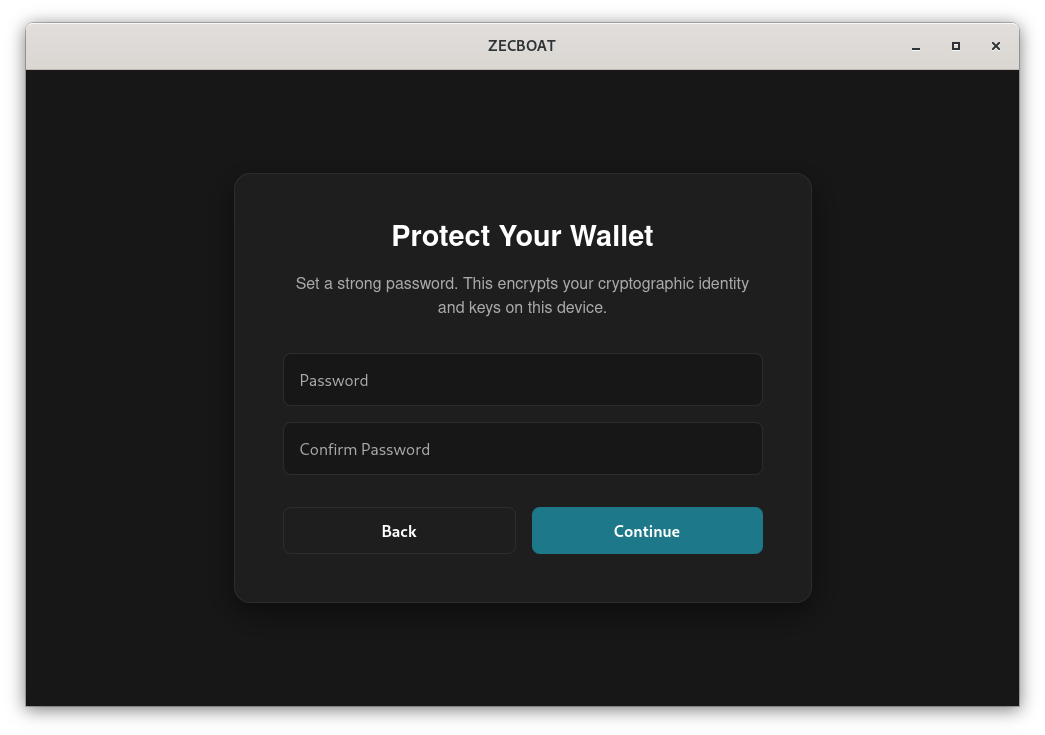
This encrypts the keys on this device. It is not a recovery method — forgetting it does not lose your funds, but only because the recovery phrase on the next screen does that job. There is no reset and no hint.
Secret recovery phrase
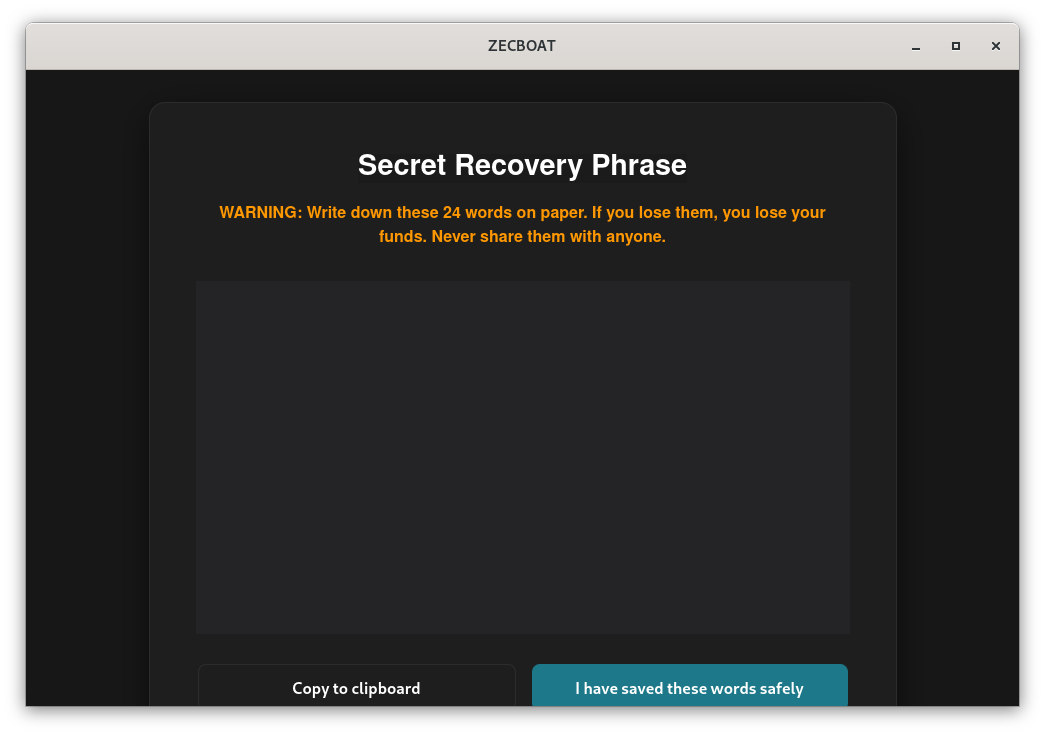
The words are blanked out in this screenshot on purpose. A photographed or screenshotted recovery phrase is a wallet anyone who sees the picture can empty — which is why yours belongs on paper and nowhere else. Zecboat then asks you to confirm three of the words at random before it will continue.
The wallet
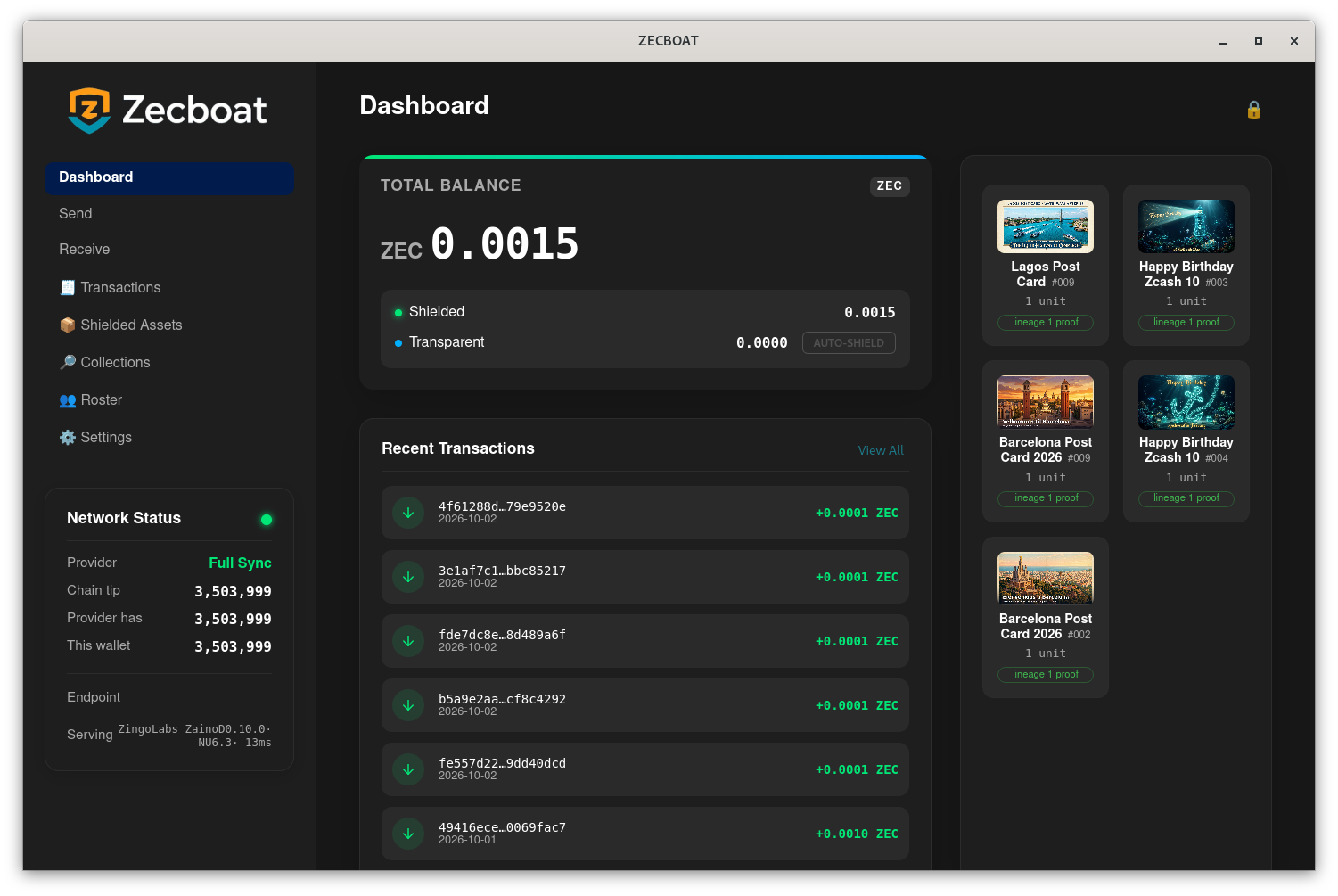
Network Status is the panel to watch. Chain tip is where the network is, This wallet is how far you have scanned. A new wallet starts at the current height and has nothing to catch up on; a restored one scans from its birthday and can take a while. Balances are only trustworthy once those two agree.
9. Before you fund it
A backup is two files, and either one alone is worthless
Your wallet's recovery phrase is stored encrypted inside the wallet database. The key that decrypts it is a separate file. Back up both, together:
~/.AppVault/data/wallet.db
~/.AppVault/data/encryption-identity.txt
Copy one without the other and you have no backup at all — and you will not find out until you need it. Write your recovery phrase down on paper as well, and keep it off the machine.
YubiKey: in 0.7.1 the setup wizard offers YubiKey protection of the wallet’s key file (encryption-identity.txt) when age-plugin-yubikey is installed; install_yubikey.sh in the download builds it. It does not protect spending. Restoring from the recovery phrase gives a password wallet, so keep the phrase.
Test your backup before it matters: restore it on a different machine and confirm the wallet opens and shows the right balance. An untested backup is a hope, not a backup.
If something goes wrong
- Build fails with an error about
pcscor a missing library —libpcsclite-devis not installed. Step 1. - Build fails mentioning webkit — you have
libwebkit2gtk-4.0-dev. Zecboat needs 4.1; having 4.0 alone will not work. - Balance shows zero but you know funds are there — almost always the node. Check
ZECBOAT_PROVIDERserves Ironwood — what Ironwood is, and why zero is not lost. - "Insufficient funds" when the balance looks fine: read the balance card. Spendable · locked · pending · needs a rescan. Only spendable can be sent; pending clears as the wallet scans.
- Balance card says "needs a rescan": Settings → Wallet Management → Rescan from Height.
- A postcard does not move with an ordinary send: by design. Postcards are locked. Send them one per transaction; the fee is paid from ordinary ZEC.
- Sending fails after everything else worked — proving parameters. Step 5, then restart the wallet.